How to create a 3D shape from standard shapes
PlastiSketch has some built in shape generators that can be used to create custom 3D objects
First use the wizard symbol in the layer thumbnail to open the shape generator.
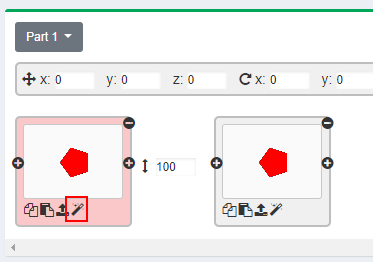
Shape Wizard symbol
Next the shape wizard opens, for example choose the "star" shape and press "Apply".
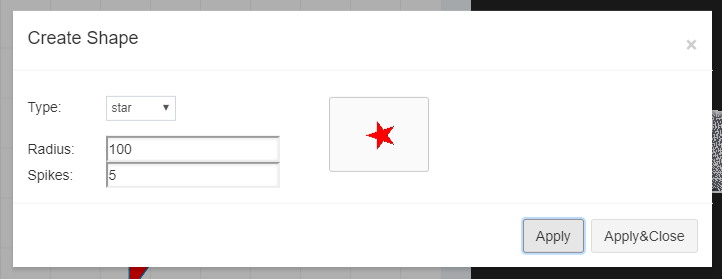
The Shape Wizard Dialog
After that the 3D object should look as follows:
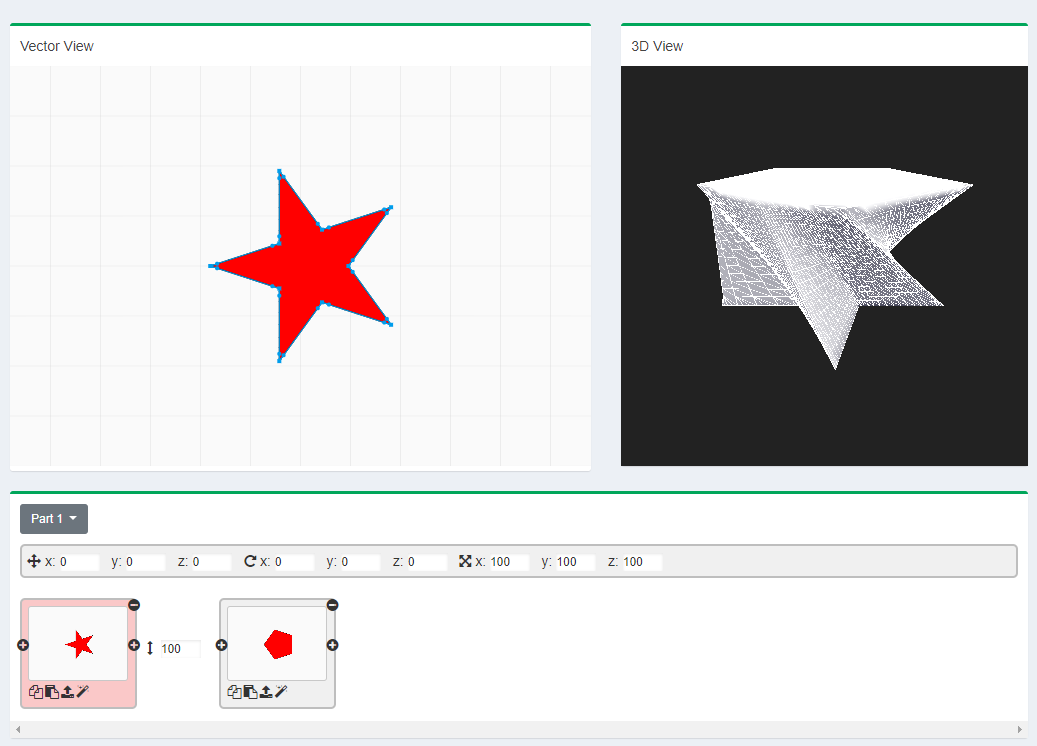
Result with the star shape
Now you can proceed and change the second layer to a circle (like in the picture below), add additional layers or change the height of the layers (see the red box in the picture below).
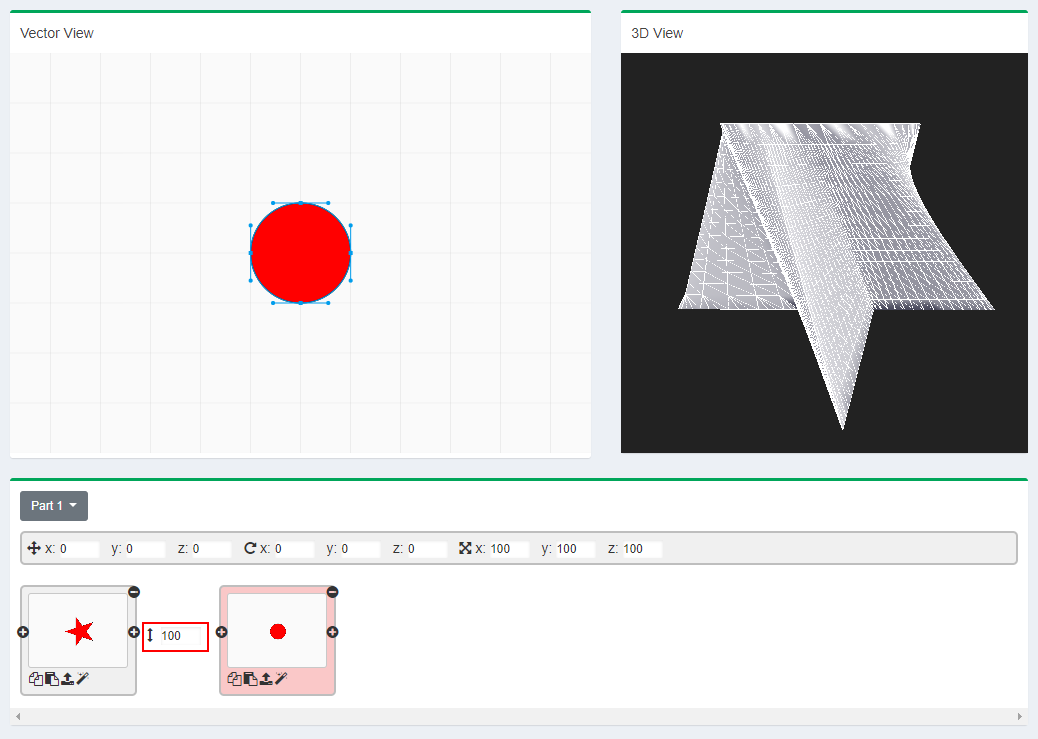
Result using star and circle, the height box between both layers is highlighted
Further Reading
How to create a basemesh for subdivision modeling tools like Rocket 3F or Silo 2 using PlastiSketchUse sculpting tools together with PlastiSketch
Create a custom pull handle with PlastiSketch and Tinkercad
Import SVG and export to OBJ